

Lenovo Fanboi#
Lenovo is a fantastic company. Not only do they make great computers, they look like they come straight out of an episode of Knight Rider, and to be honest, that’s not a bad thing. There is something timeless and futuristic about angular design with flashing lights and silver trim that really engages my inner kid.
Speaking of being a big kid, you may or may not know that I have some big love for the fantastic Lenovo M720q Tiny form-factor computers. It turns out that Lenovo made a touchscreen for the little PCs to live in! So, being a good lover, I bought my sweetheart a new home.
That home is the TIO22 Gen 4 monitor. It is a fantastic, crystal-clear touchscreen that I originally bought as a till (cash register) project, but now use as the kitchen hub.
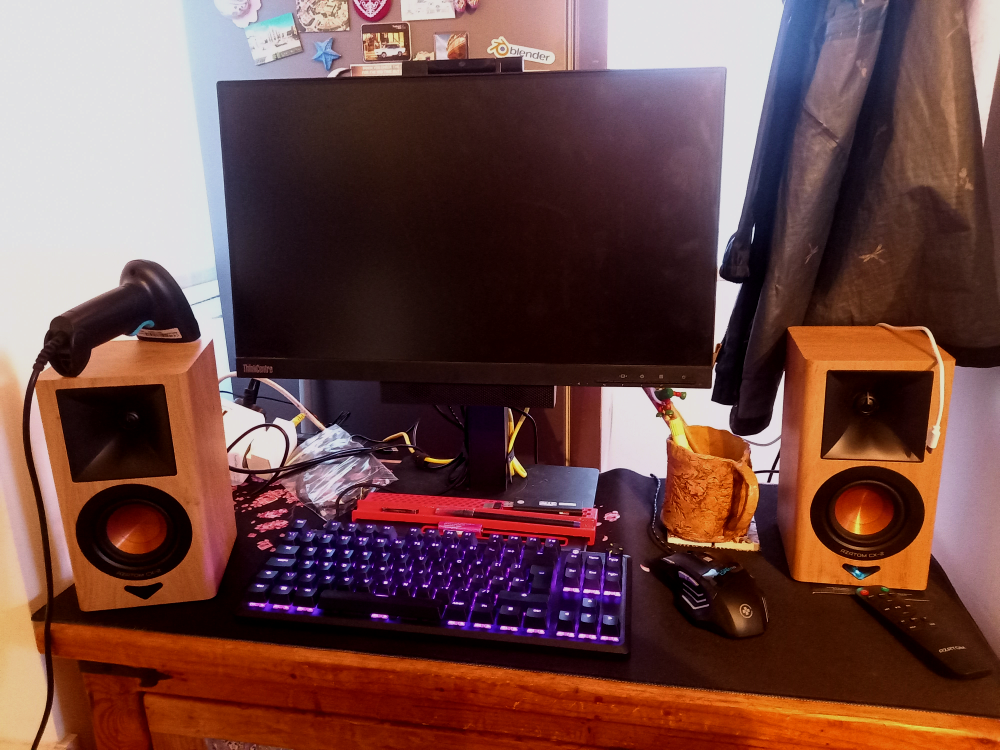
Lenovo Tiny-In-One 22 Gen 4
The exact model of Tiny-In-One screen I bought for my M720q Tiny.
Search on eBayKitt-chan Computer#

In 2026, no self-respecting geek can call themselves a l33t-geek without some sort of tech in the kitchen. That’s where Kitt-chan comes in.
Kitt-chan is a mashup of KITT from Knight Rider and the Japanese suffix -chan, implying that Kitt is my little love.
Not only has Kitt-chan got the perfect name, Kitt also has a flashy red light in the form of a barcode scanner.
This magical little device is used for barcode input into my Nextcloud pantry app. It’s also surprisingly convenient for scanning lottery tickets, because it can read 2D codes such as QR codes.
You can even turn off the annoying beeps by scanning a few special barcodes. You just have to RTFM.
I went for the wired version because I really don’t need another device that needs charging, especially when it’s already taking up one of my USB ports.
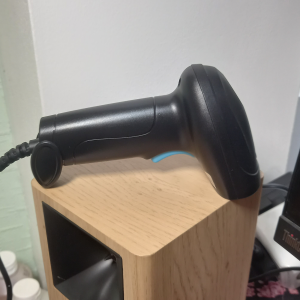
Wired U2 Barcode Scanner
Barcode Scanner Wired Wireless Bluetooth Bar Code Reader Omni 1D 2D
Buy on eBayUnlike the 1980s car, Kitt-chan has a fast-charging point for our phones. Thanks to Lenovo’s foresight, I can even charge my phone while playing Bluetooth tunes. Just look for the little battery symbol on the front of the M720q and plug it into that USB-A port.
I like the M720q so much that I have four of them, along with many of the original peripherals. But that’s a story for another time.
80s Stereo Style#
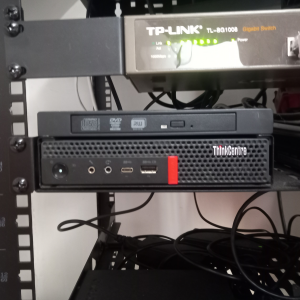
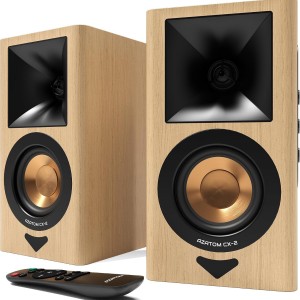
To complete Kitt-chan, I connected the “Tiny-In-One” 22 Gen 4 screen to a pair of great little DAC-enabled AZATOM CX-2 bookshelf speakers I got from Amazon, using a USB cable to the M720q I put inside. The audio is piped through EasyEffects’ graphic equliser. The now legendary linux audio managment tool.
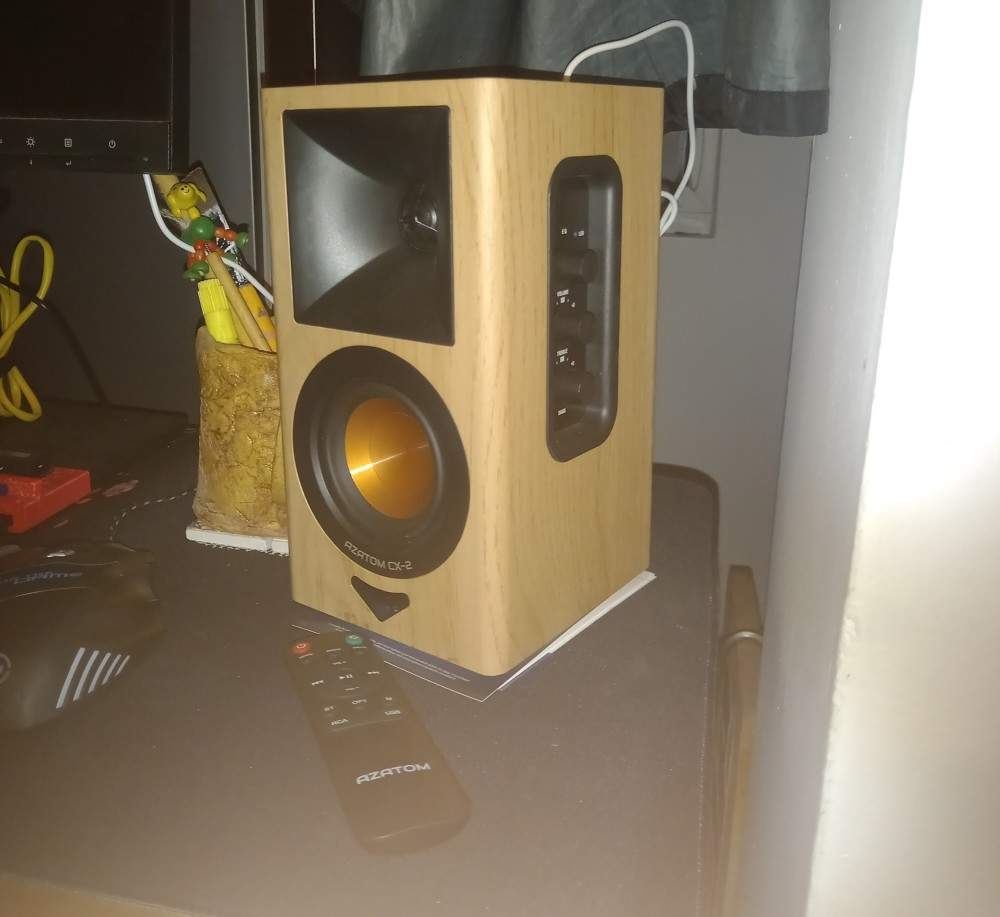
I set the great looking speakers up by changing the soundcard to the CX2 usb device using alsamixer from the terminal. Just press F6 when your in the program.
alsamixerThe good thing about these speakers is that there are so many options for connectivity. You have your standard 3.5 mm jack, Bluetooth, optical and old-school RCA jacks, so you could even connect a turntable if you wanted to.
Because I wanted the remote to control the computer, I opted for the DAC connection. This lets the speakers send their control input to the computer as keyboard media keys, allowing me to play, pause, change the volume and skip tracks.
It works with Firefox and YouTube Music, although sometimes Firefox needs a little persuasion before it will respond to the media keys under KDE Plasma.
If you have the same problem, just do this:
- Type
about:configinto the Firefox address bar and press Enter. - Accept the warning if Firefox shows one.
- Search for
media.hardwaremediakeys.enabled. - Double-click it to toggle it off, then on again.
That’s it. The media keys should now work properly with Firefox.
For some reason, Firefox seems to forget this setting when the computer is rebooted, so you may have to repeat this little ritual every time you turn the computer back on.
And just to be clear, this isn’t the speakers’ fault. It’s Linux being absolutely perfect in some obscure way that I don’t understand. Because apparently even penguin programmers haven’t got opposable thumbs.
So, if you find a permanent workaround, please contact me. I’d love to know what it is!
Final Polish.#
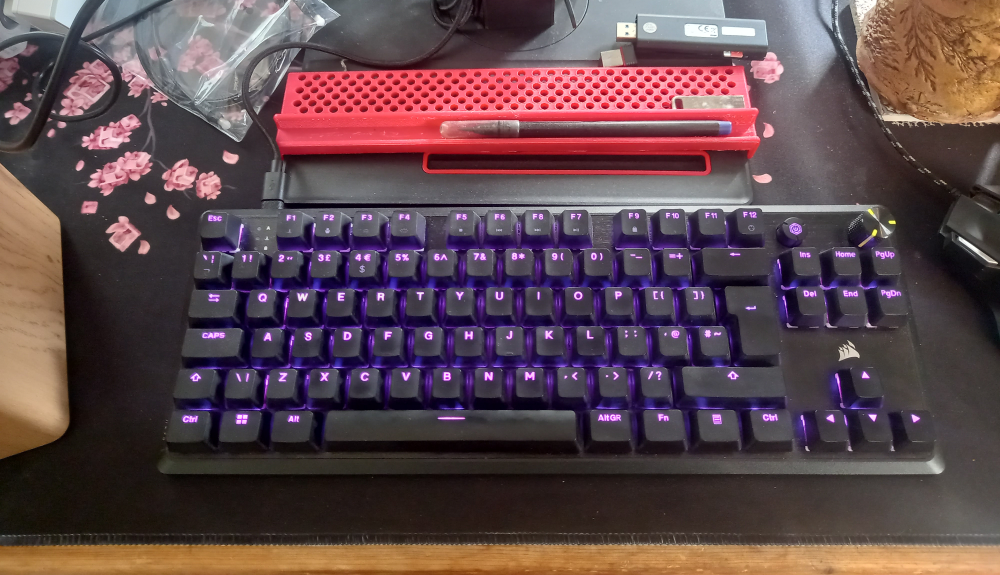
I found a great deal on a Corsair K70 CORE TKL RGB Mechanical Tenkeyless Gaming Keyboard.
I really like the tenkeyless format on this keyboard. Its a fantastic fit with lenovo’s asthetic and, considering nobody is doing accounting in the kitchen, I really don’t need a numpad. Losing those extra keys frees up just the right amount of space for a coffee and the mouse.
Above the keyboard you can see a little 3D-printed tray that I designed. It’s great for storing the keyboard upright against the tray when the machine isn’t in use.
I also bought the desk mat from Temu, simply because I liked the pink digital cherry blossom design. Unfortunately, I can’t find the exact one I bought anymore, so I’ll link to a similar one instead.
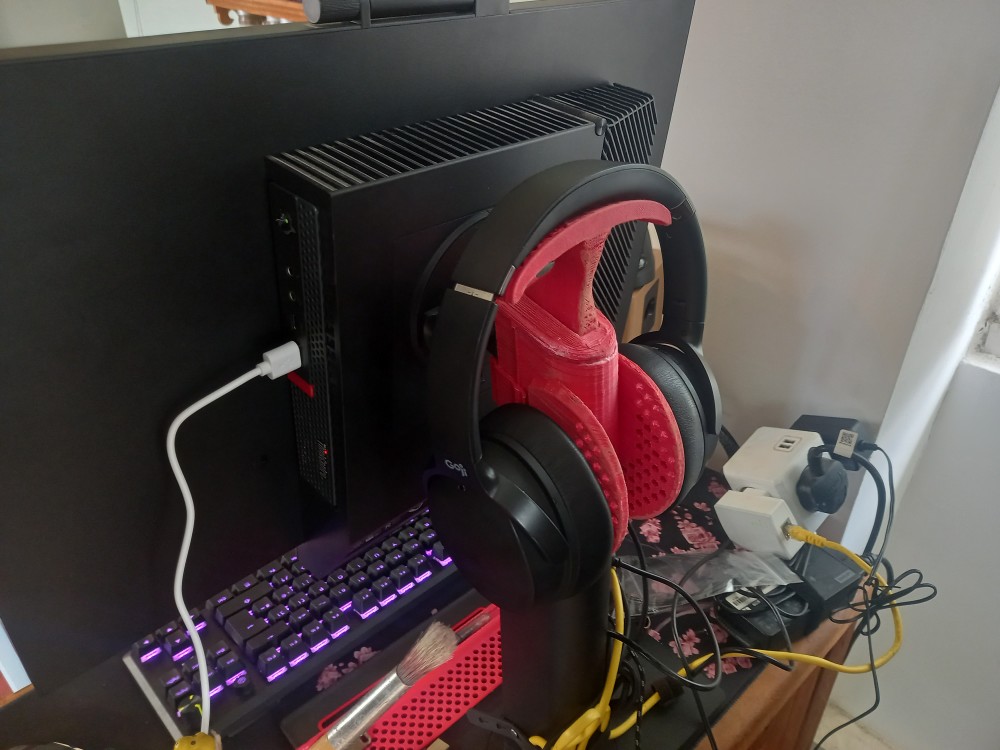
Behind the monitor I 3D printed a headphone stand for my Goji noise canceling headphones.
Wallpaper#
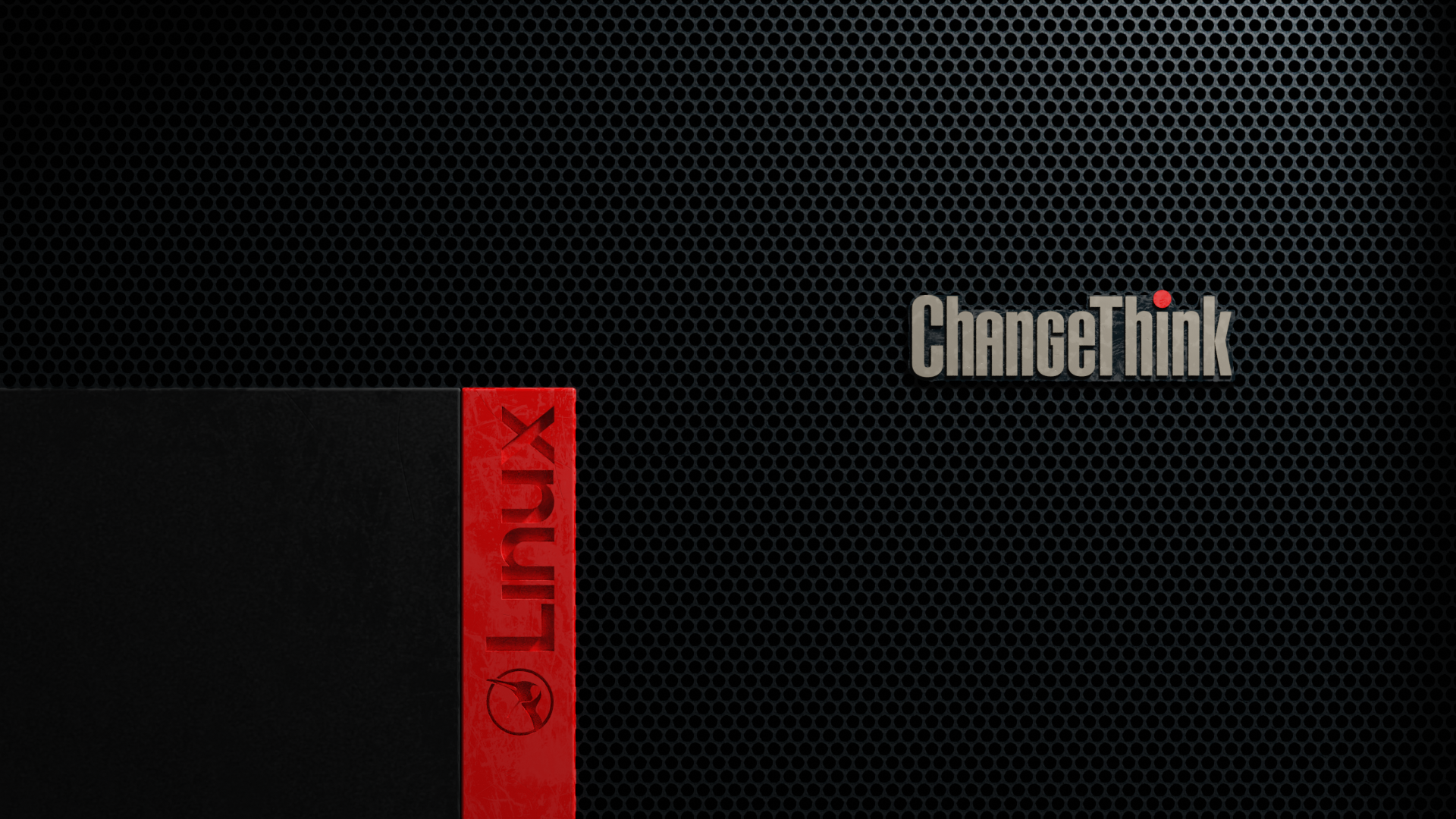
I spent way too long on this project earlier and earlier this year I even made my own custom wallpaper. Feel free to ‘change your think’ and download it for your own project, or look at the Blender file to see how I made it.
Over all this project was a good one and I know it was a success because my partner actually uses it when she’s in the kitchen and it finaly feels good to listen to music on a decent speaker setup.